

東西放好時記一下,
下次不用到處找
拍照記錄物品、收納位置與備註。護照、鑰匙、工具、充電線或季節用品,需要時搜尋名稱或位置,就能直接找到。
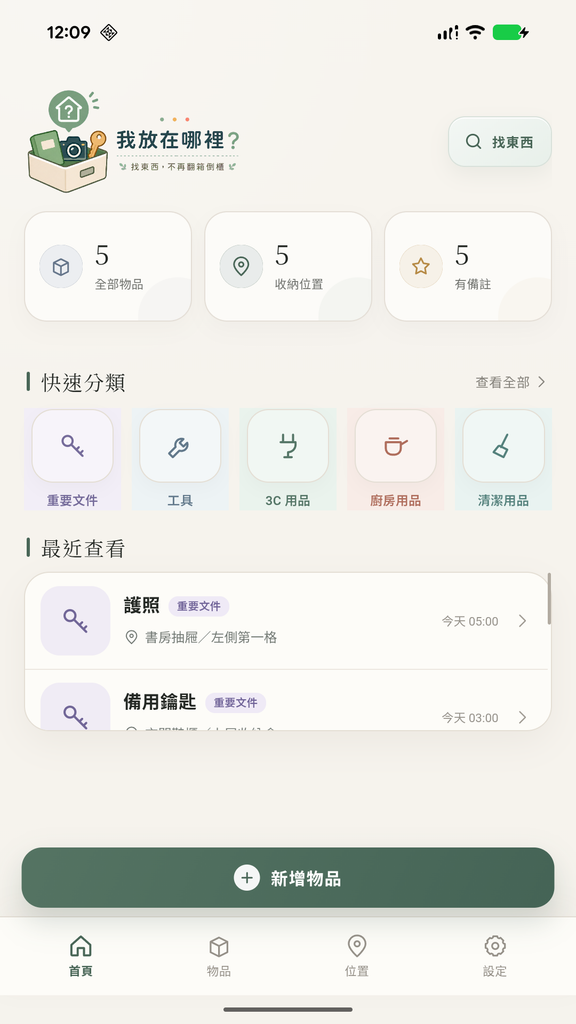
把「我記得放在……」變成直接搜尋
建立物品時順手留下照片、分類、位置和備註。下次只要輸入關鍵字,不必再翻遍抽屜與收納箱。
用照片搭配名稱與備註,辨識物品更直覺。
從房間、櫥櫃到抽屜或收納箱,都能清楚標記。
依名稱、位置或備註查找,少翻一次就省一點時間。
適合證件、3C 配件、工具、藥品與季節用品。
支援匯出與匯入備份,換機或重裝前更安心。
支援繁中、簡中、英文、日文與韓文。
記錄、瀏覽、搜尋,一眼就懂
介面只保留真正需要的操作,讓新增與查找都能快速完成。
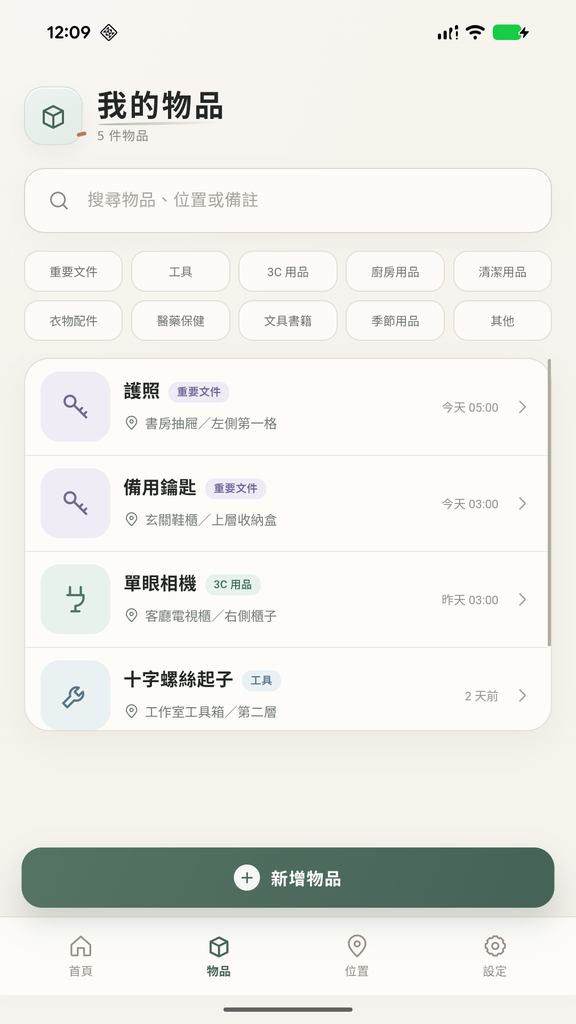
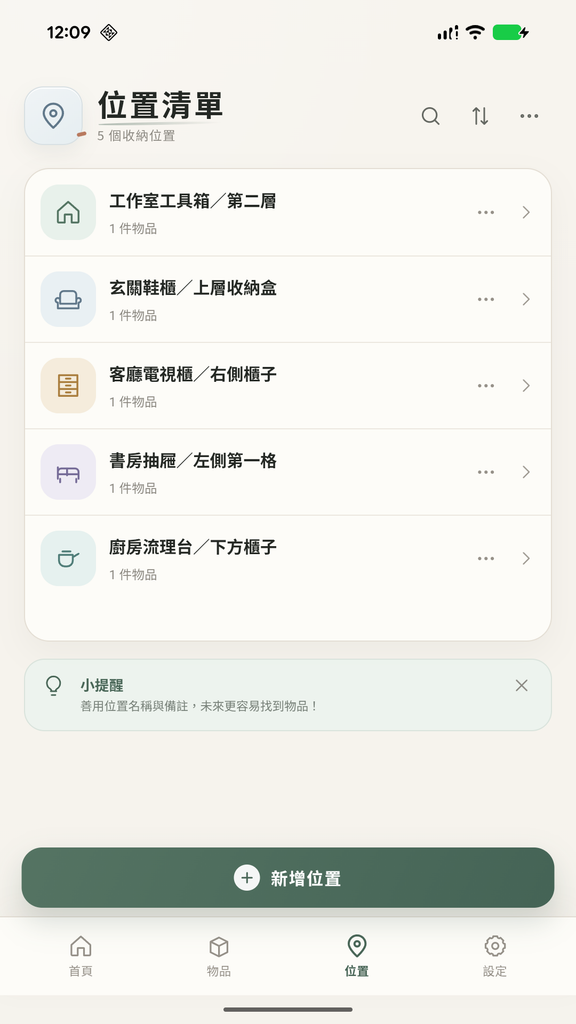
下次需要時,不靠記憶也找得到
把常忘記放哪裡的東西先記起來,從今天開始少一點翻找、多一點從容。
前往 Google Play 下載隱私、版本與使用支援
閱讀完整隱私與資料說明 · 查看 Google Play 最新版本與裝置相容性
功能問題或建議請寄至 info@aoyidigital.com,並提供 APP 版本、裝置與問題描述。是否支援您的 Android 裝置,請以 Google Play 當下顯示為準。
About Where Did I Put It?
Where Did I Put It? is an Android app that helps you remember where you stored your belongings. Instead of relying on memory, make a simple record when you put something away. When you need it again, search your records and check its location.
Record items and their locations
Add an item name, a photo, a category, its storage location and any notes you want to keep. You can describe a location as a room, cupboard, drawer or storage box. The app is useful for everyday things that are easy to misplace, such as documents, keys, tools, cables and seasonal items.
Search instead of looking everywhere
Find an item by searching its name, location or notes. Photos can help you recognise what you are looking for, while categories make it easier to browse your collection. The app brings your records together so you can check where you put something before you start opening drawers and boxes.
Your records and backups
You do not need to register for an account. Your item records and photos stay on your device and are not uploaded to Aoyi Digital servers. The app supports local backup export and import. Make a backup before changing phones or reinstalling the app. Advertising and purchase services may process data; please see the privacy policy for details.
Free to start
The free version displays ads. An optional one-time purchase permanently removes them. The interface supports Traditional Chinese, Simplified Chinese, English, Japanese and Korean. Visit Google Play for current device compatibility and the latest version. For questions or suggestions, contact info@aoyidigital.com.